1 / 2
Front side
Add the front of your card
ID card helper
See the framing first, then upload or photograph both sides of your card. Your images stay in this browser until you choose to download them.
Preview before you start
These are synthetic samples with no real identity data. Use them to preview the two-side layout or try the workflow before you handle your own card.
Synthetic sample — not a real ID
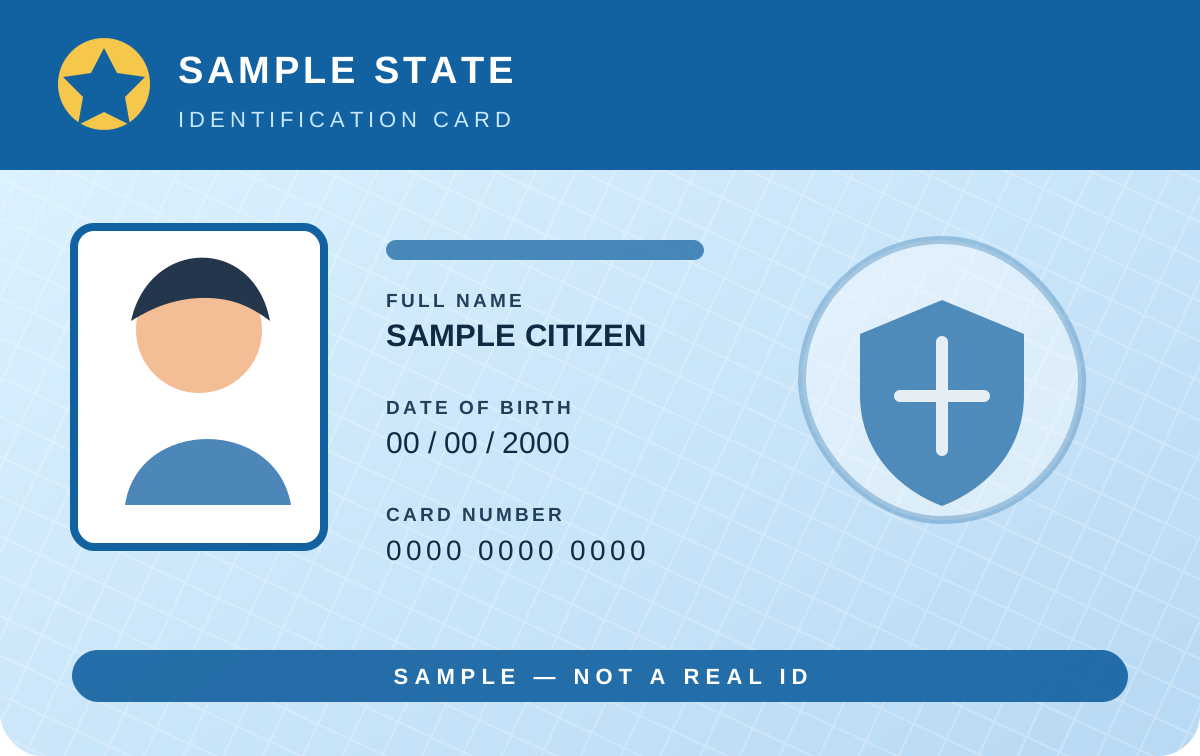
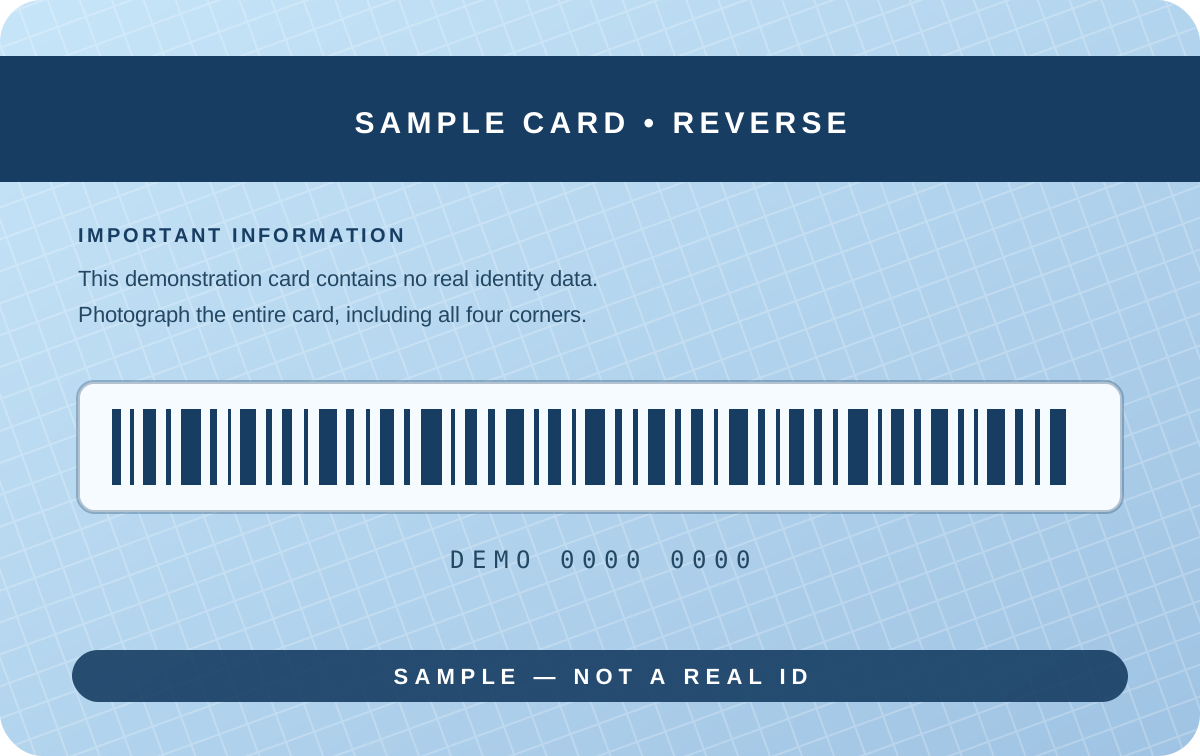
Your card
0 of 2 sides ready
1 / 2
Add the front of your card
2 / 2
Add the back of your card
ID card image help
Use this browser-based ID card combiner when a form, email, or print job asks for the front and back of a card in one file. Add each side, edit the image to remove extra background or correct its orientation, then review the single-page result before downloading it as a lossless PNG, JPG, or PDF.
Processing happens in your browser. Images are not sent to Tejji by this tool. PNG keeps the highest detail and can preserve a transparent background; JPG and PDF use white where transparency is not supported.
Add both sides, choose Stacked or Side by side in Ready to review, select A4, Letter, 4 × 6, or another page size, and download the merged file.
Yes. Use Edit on the Front side or Back side card. Rotate, flip, drag the crop, and zoom; the merged preview updates while you work.
Choose PNG for lossless image detail, JPG for a broadly compatible smaller image, or PDF when a portal or printer asks for a document. Merged is the default; you can also download both sides separately, front only, or back only.
No. This utility performs the edit and export locally in your browser. Check the receiving organization's requirements before submitting an edited document.
No account or upload is required. This helper does not verify identity or guarantee acceptance by a government or private service.